For Independent ATM Deployers
U.S. Payments helps you generate additional transaction revenue by adding bill pay services to your existing ATM locations. Available today on Hyosung and Diebold platforms, with a flexible architecture designed to support a wide range of ATM environments.
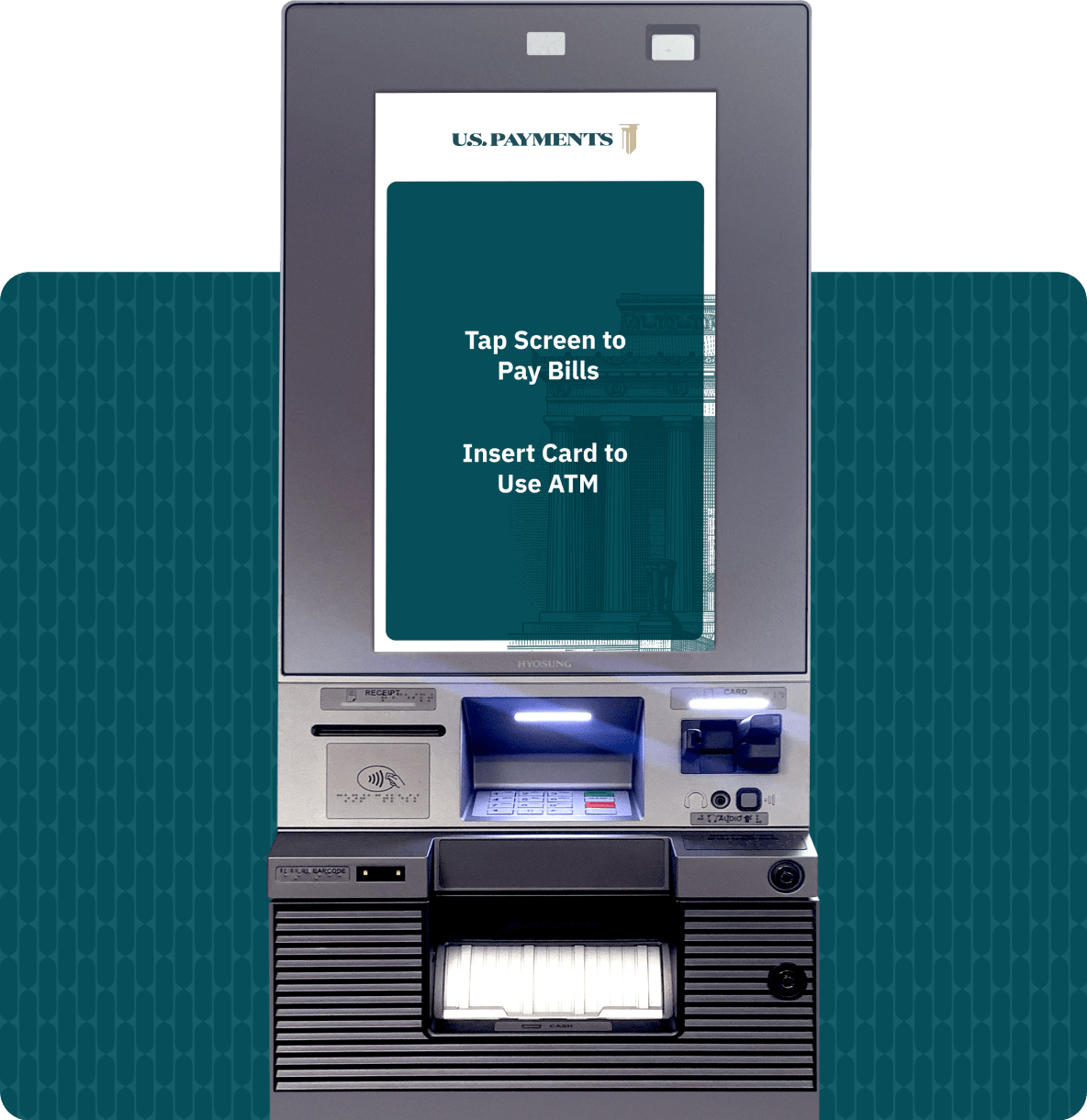
Bill pay transactions add an additional revenue stream at the locations you already serve, no new site to win, no new lease to negotiate.

Where machines run in a combined ATM + Bill Pay configuration, smart safe integration recycles deposited cash to help supply the ATM, reducing the frequency and cost of armored pickups.
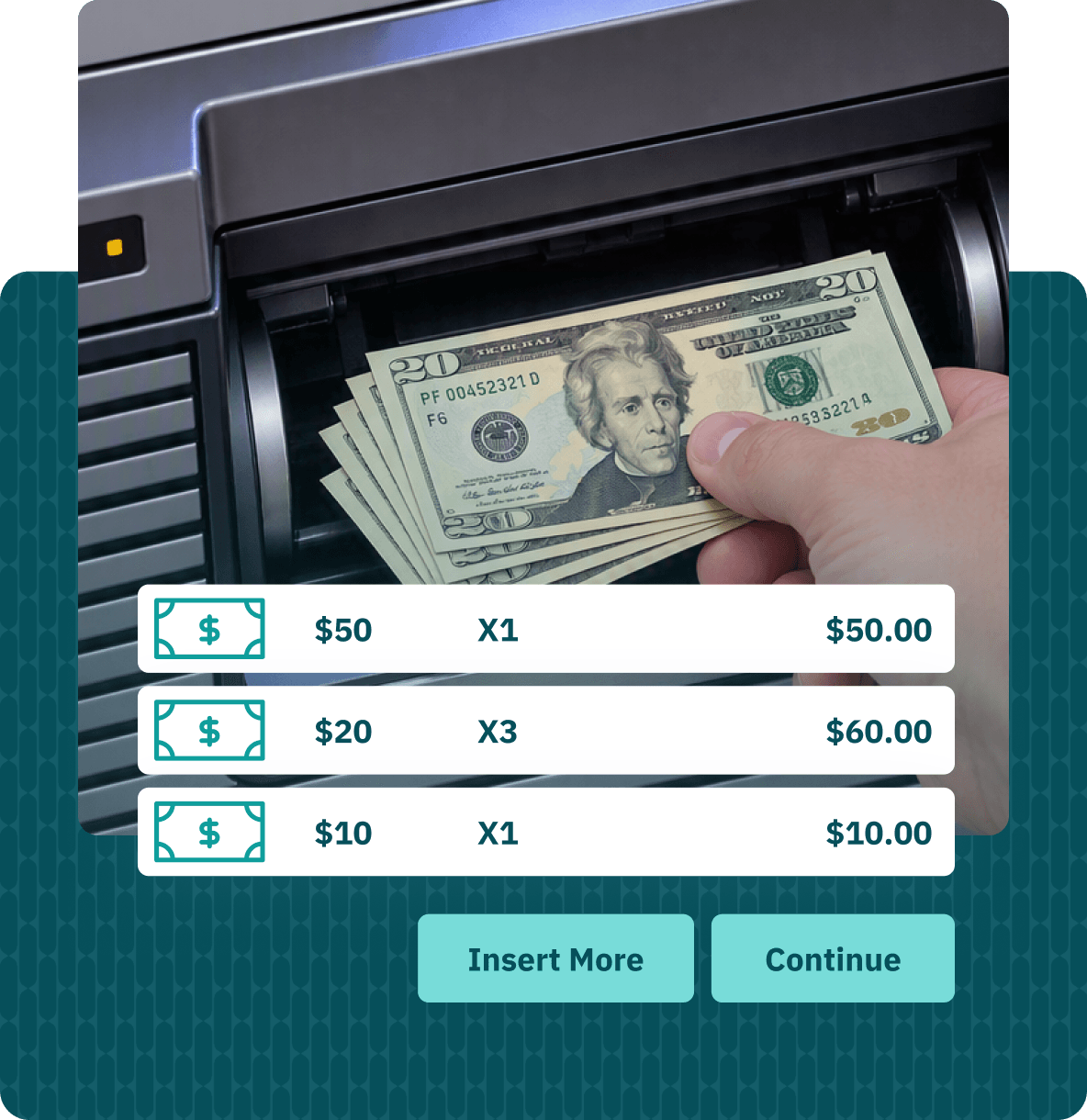
We build bill pay directly into the ATM software you're already running, so custom platforms get the same experience, and the same new revenue opportunities, as our supported ones. No new hardware, no disruption to your operations.
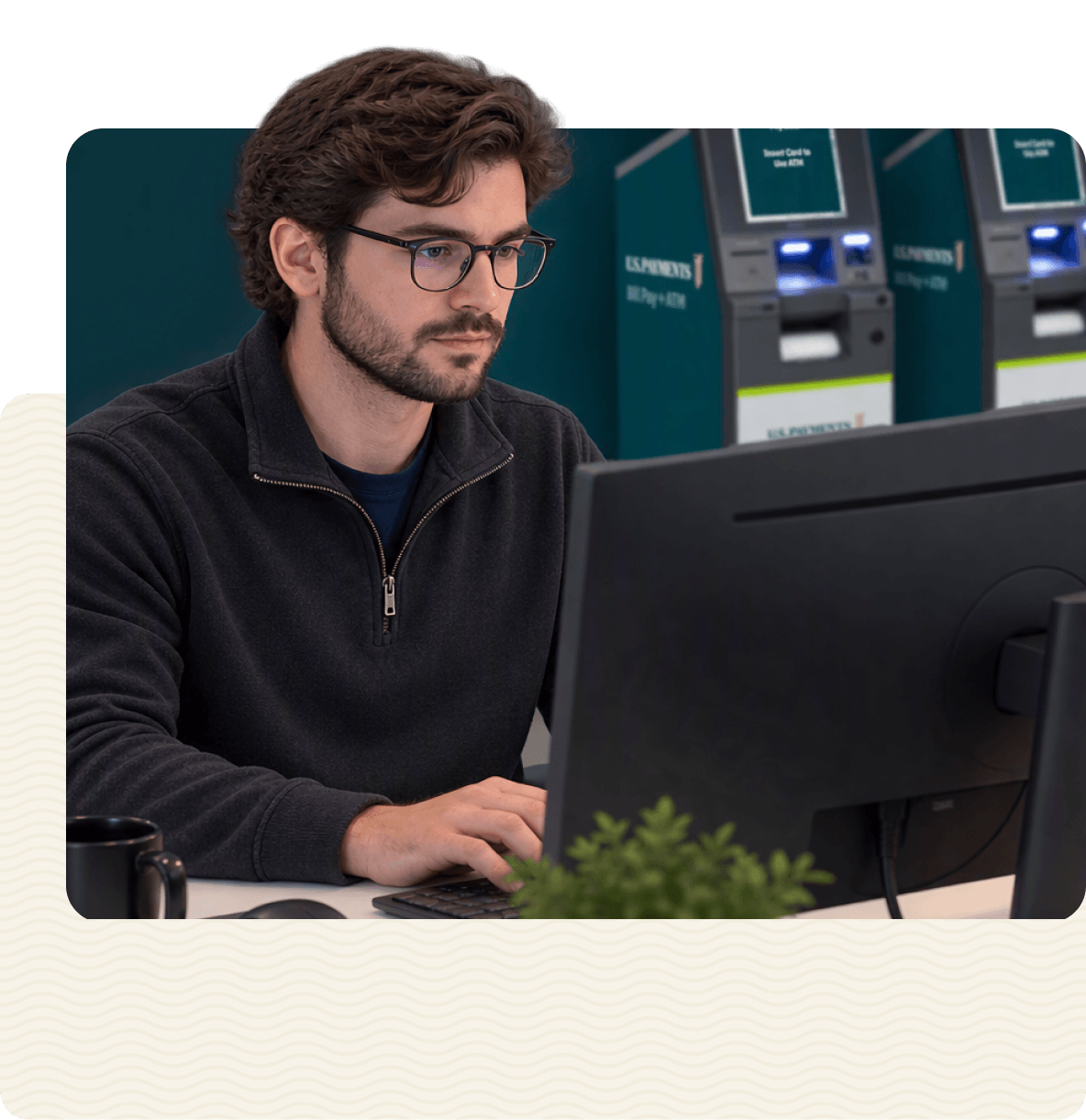
When you need help, you're talking to a U.S.-based support team in Tulsa, Oklahoma, not an overseas call center.

How it Works
Every dollar a customer feeds into the kiosk works twice — first as a bill payment or deposit, then as fuel for the next cash withdrawal. Fewer armored pickups, more uptime, one machine doing the job of three.
Bill pay runs on Hyosung and Diebold hardware, the standard platforms for independent deployers, ready to go without a custom build.
Smart safe integration recycles deposited cash to help supply your ATMs, cutting armored pickup frequency and cost.
Reporting and operational support from the same team and network behind U.S. Payments' biller and retailer relationships.
A real walkthrough of the bill pay experience on Hyosung's platform, the same screens your customers will see.
Bill Pay Screenflow
Step 1: Enter Account Info
Customers enter their account info right at the kiosk — no app to download, no card to swipe first. Just the basics, and they're ready to pay.

Step 2: Review & Pay
Balance due, fees, and payment method are all laid out clearly on screen. Customers confirm with cash, card, or check, and walk away with a clear record of what was paid.

Deploy on Hyosung or Diebold today, or talk to us about a custom integration with your existing software.
